
How to add a new product to Likedby
You can add products in three simple ways: from the homepage, while creating your Shop, or while editing your Shop.
1️⃣ Go to the Likedby Homepage.
2️⃣ Copy any product link from any website.
3️⃣ Paste it into the search bar.
4️⃣ Likedby will automatically collect the product details (If needed, our team will add them manually)
5️⃣ Done! Your product is now on Likedby, with your name under ' Shared by'
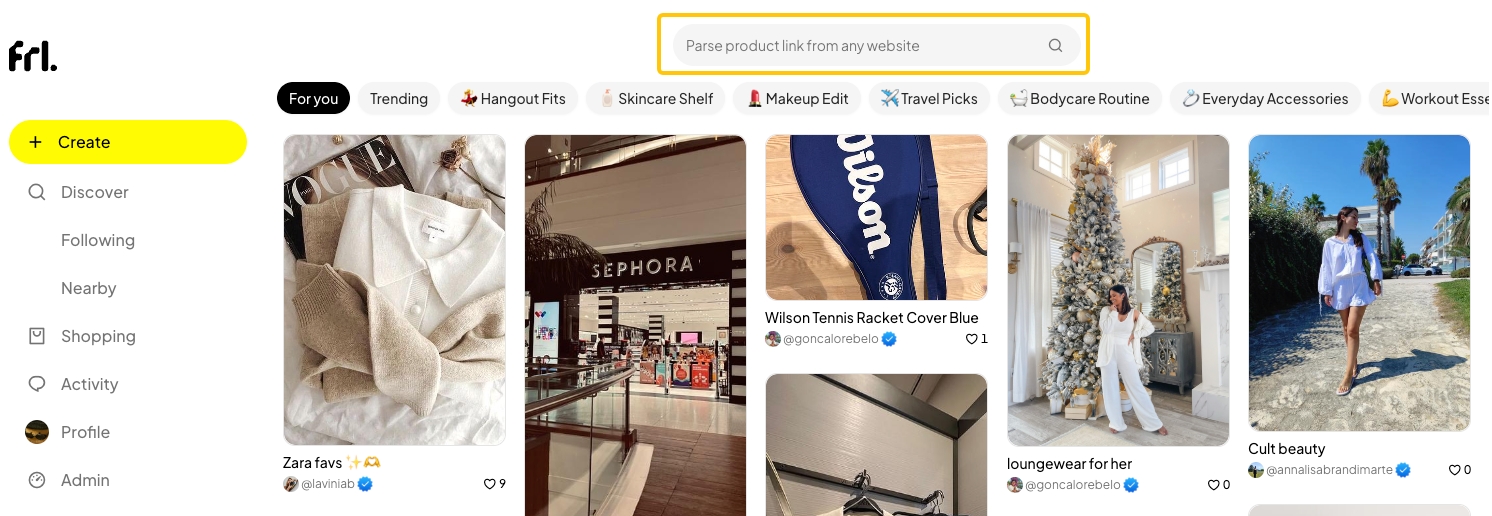
1️⃣ Go to the Likedby Homepage
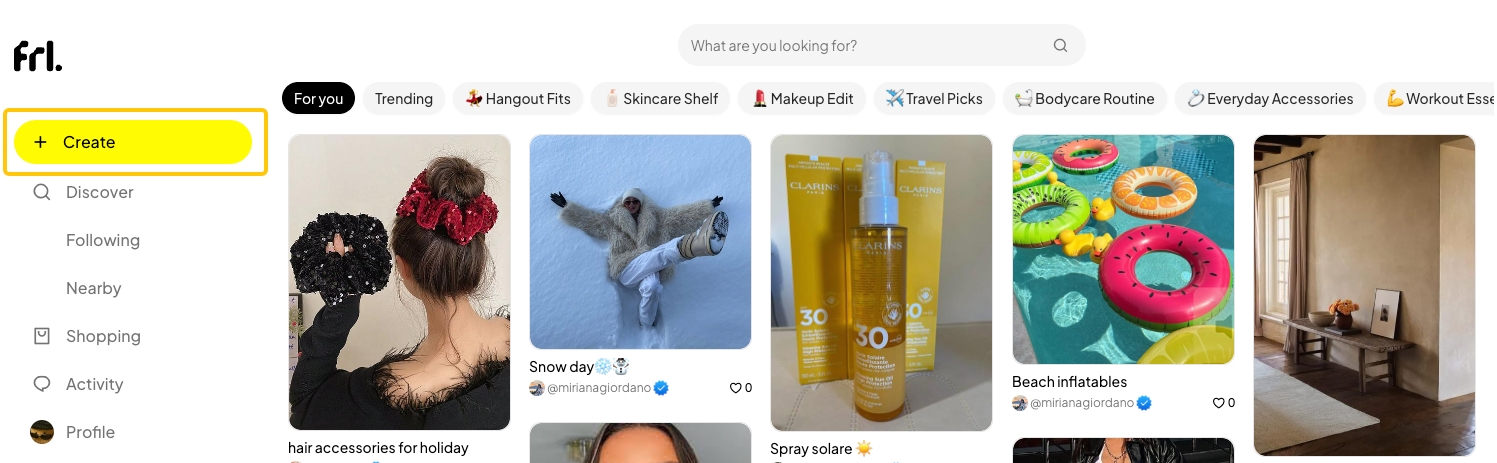
2️⃣ Click Create (desktop) or + (mobile).
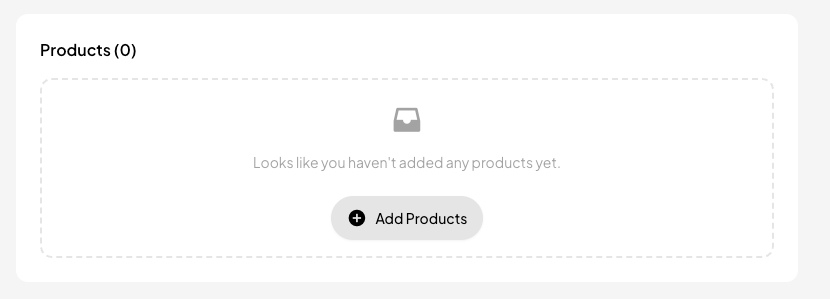
3️⃣ Scroll to the products section and click + Add Products.
4️⃣ Search for the product or click Add Link to paste one or multiple links.
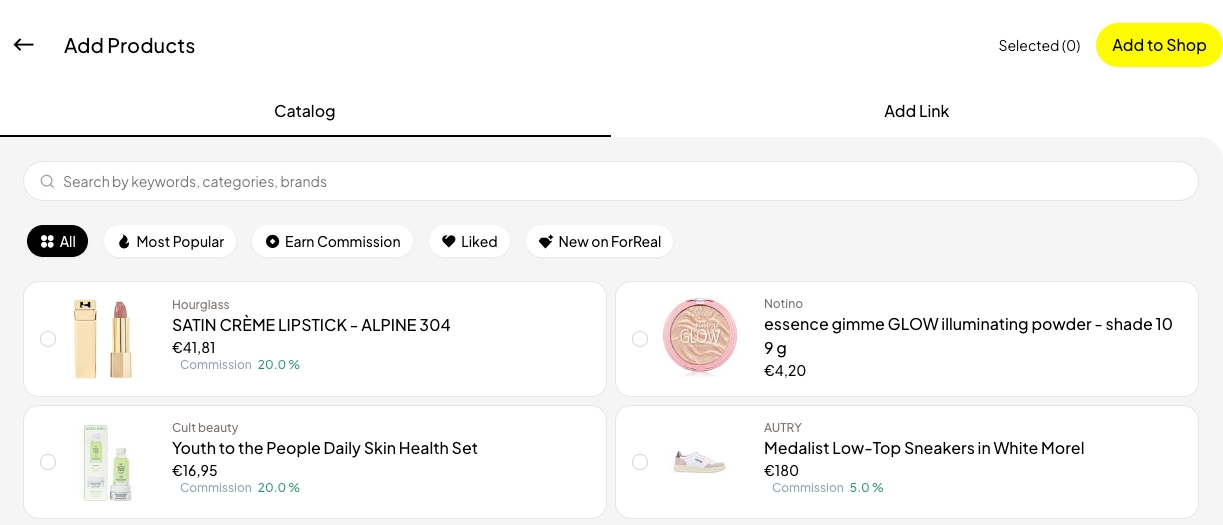
5️⃣ Click Add to Shop.
6️⃣ Likedby will automatically collect the product details. (If needed, our team will add them manually)
7️⃣ Done! Your product now appears in your Shop with your name under ''Shared by''.
1️⃣ Open your Shop and click Edit.

2️⃣ Scroll to the Products section and click + Add Products.
4️⃣ Search for a product or click Add Link to paste one or multiple links.
5️⃣ Click Add to Shop
6️⃣ Likedby will automatically collect the product details. (If needed, our team will add them manually)
7️⃣ Done! Your product now appears in your Shop with your name under ''Shared by''
Last updated: 27 Aug 2025